
VPN for IPTV Canada: Do You Need It in 2026? Complete Guide
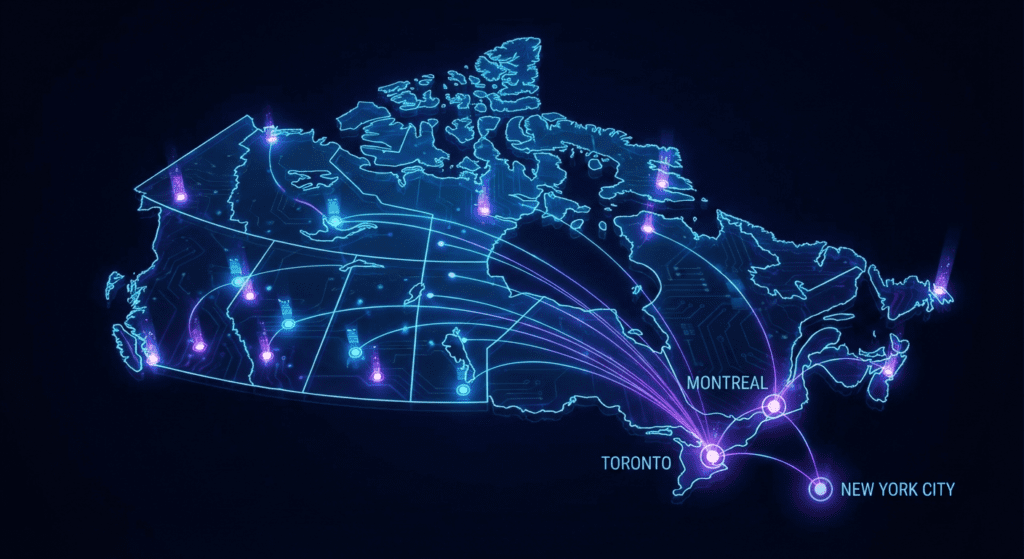
If you are streaming in Canada in 2026, you might be asking: do you need a VPN for IPTV?
With internet speeds fluctuating and ISPs becoming stricter, the role of a VPN (Virtual Private Network) is often misunderstood. Some Canadians swear by it for privacy, while others use it simply to stop the dreaded “buffering wheel” during a hockey game.
This guide cuts through the technical jargon. We will explain exactly when a VPN for IPTV Canada is necessary, how to configure the best VPN for IPTV Canada, and when using one might actually slow you down.
Whether you are looking for an IPTV buffering fix Canada or just want to secure your connection, here is everything you need to know.
Do You Really Need a VPN for IPTV in Canada?
The short answer: It depends on your internet provider and your goals.
You do not always need a VPN. If you are using a premium service like ours and have a clean connection, you might already enjoy smooth playback. However, for many users, a VPN is the key to unlocking consistent performance.
A VPN is Essential If:
- Your ISP Throttles Streaming: Major providers like Bell, Rogers, or Telus may slow down specific types of traffic (like streaming) during peak hours.
- You Want Privacy: You prefer to keep your viewing habits private from your ISP.
- You Need Better Routing: Sometimes the direct path from your home to the server is congested; a VPN forces a different, faster route.
- You Are traveling: You want to access your home content while abroad.
You Might NOT Need One If:
- Your internet speed is already consistently high.
- You never experience buffering on live TV.
- You are using an older device that struggles to run VPN apps in the background.
Note: A high-quality IPTV provider often reduces the need for a VPN by using optimized local servers. Check our IPTV Canada benefits to see how we maintain stability.
How a VPN Fixes IPTV Buffering & Throttling
One of the biggest frustrations for Canadian streamers is “ISP Throttling.” This happens when your internet provider detects you are streaming high-bandwidth video and intentionally slows down your connection to save network capacity.
How a VPN helps:
A VPN encrypts your traffic. This means your ISP cannot see what you are doing—they only see that data is moving. Because they can’t identify it as “IPTV streaming,” they cannot automatically throttle it.
This is often the most effective IPTV buffering fix Canada residents can use during prime time (7 PM – 10 PM).
Additional Benefits:
- Bypassing Network Congestion: It stabilizes the route between your router and the IPTV server.
- Enhanced Security: It protects your data from prying eyes.
- Access International Content: It helps bypass regional content blocks.
According to the Canadian Radio-television and Telecommunications Commission (CRTC), Canadians are increasingly relying on internet-based streaming services, making connection stability more critical than ever.
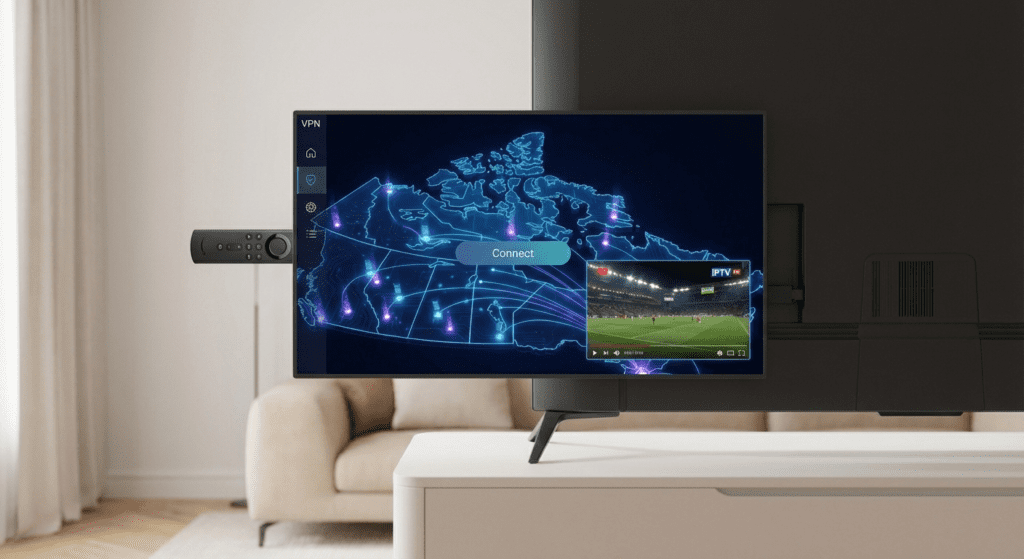
Best VPN for IPTV Canada: Top Choices for 2026
Not all VPNs are built the same. For IPTV VPN Canada usage, you need speed and low latency (ping). Avoid “free” VPNs—they often have data caps and slow servers that will ruin your stream.
Recommended Features for 2026:
- WireGuard Protocol: The fastest protocol for streaming.
- Canadian Servers: Plenty of servers in Toronto, Montreal, and Vancouver.
- No-Logs Policy: Ensures your IPTV privacy Canada is respected.
Top Performers:
- NordVPN: Excellent speeds and NordLynx protocol.
- Surfshark: Affordable and allows unlimited devices.
- ExpressVPN: Premium pricing but incredibly stable routing.
If you are just getting started, we recommend testing your connection first. You can sign up for our free trial to test your stream without a VPN before committing to a subscription.
Recommended VPN Settings for IPTV
Using the wrong settings can actually cause lag. To ensure Canada VPN streaming is smooth, configure your app as follows:
- Protocol: Select WireGuard (or NordLynx/Lightway). It is much faster than the older OpenVPN.
- Encryption: Set to AES-128 or “Auto” if available (faster than AES-256 for streaming).
- Split Tunneling: Enable this if you only want your IPTV app to use the VPN, leaving other devices on your normal connection.
- Kill Switch: Optional. Turn it off if it keeps cutting your stream when the VPN flickers.
Best Server Locations for Canadians
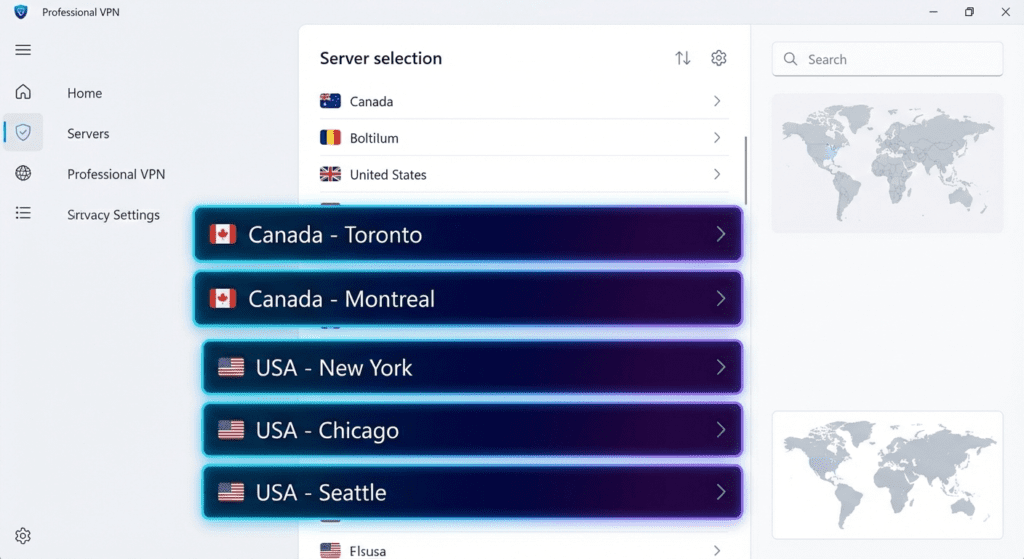
Distance matters. To minimize lag, you should generally connect to a VPN server that is geographically close to you—or close to the IPTV server.
Here is a quick cheat sheet for VPN IPTV 2026 server selection:
| Your Location | Best VPN Server Location |
| Ontario (Toronto/Ottawa) | Toronto, Montreal, or New York |
| Quebec (Montreal) | Montreal, Toronto, or New York |
| British Columbia (Vancouver) | Vancouver, Seattle, or Los Angeles |
| Alberta (Calgary/Edmonton) | Vancouver, Chicago, or Toronto |
| Atlantic Canada | Montreal, New York, or Boston |
Pro Tip: If you are experiencing buffering, try switching the server city. Sometimes the Toronto server is crowded, but Montreal is wide open.
Using a VPN on Firestick & Smart TVs

VPN for Firestick Canada
The Amazon Firestick is the most popular device for IPTV in Canada. Fortunately, almost all major VPNs have a native app on the Amazon App Store.
Quick Setup:
- Download the VPN app on your Firestick.
- Log in and select a Canadian server.
- Ensure the “Auto-Connect” feature is ON so you are always protected.
For a detailed walkthrough on setting up your device, check our IPTV Firestick guide.
Smart TVs (Samsung / LG)
Most standard Smart TVs do not allow you to install VPN apps directly.
The Solution:
- Option A: Install the VPN on your Router (covers the whole house).
- Option B: Use an Android Box or Firestick (easier).
- Option C: Use “Smart DNS” settings provided by your VPN service.
When a VPN Might Cause Problems

Honesty is key: A VPN is not a magic wand. In some scenarios, it can hurt performance.
Watch out for:
- Slow Base Internet: If your speed is under 20 Mbps, the overhead of encryption might make the stream stutter.
- Free VPNs: Never use a free VPN for IPTV. They are too slow and often sell your data.
- Overheating Devices: Running a VPN and 4K streaming simultaneously on an old Firestick Gen 2 can cause it to overheat and freeze.
According to Speedtest Global Index data, Canada consistently ranks well for average download speeds, so most households should handle a VPN easily. However, always run a speed test with the VPN on before blaming your IPTV provider.
Final Recommendation: Should You Use One?
Here is the bottom line for 2026.
Use a VPN if:
- You notice buffering specifically between 7 PM and 10 PM.
- You use a major ISP known for traffic management (Bell, Rogers, Shaw).
- You want total privacy and security.
Skip the VPN if:
- Your internet speed is very slow (<20 Mbps).
- Your stream works perfectly fine without one.
A VPN is a powerful tool to ensure IPTV throttling Canada doesn’t ruin your movie night. But remember, the most important factor is a high-quality IPTV service.
Ready to upgrade your streaming experience? Check out our affordable pricing page or visit our streaming setup guide to get started today.