
How to Set Up IPTV on Apple TV in Canada (2026 Guide)

What You Need Before Starting
- An Apple TV 4K or Apple TV HD
- An active IPTVSky subscription (M3U URL + username/password)
- A Wi-Fi or ethernet connection
- The IPTV Smarters Pro app (free on Apple TV App Store)
Step 1: Download IPTV Smarters Pro on Apple TV
On your Apple TV, open the App Store. Search for “IPTV Smarters Pro”. It’s free — tap Get to install it. This is the best IPTV app for Apple TV in Canada because it supports M3U playlists, EPG guides, and VOD libraries out of the box.

Step 2: Log In With Your IPTVSky Credentials
Open IPTV Smarters Pro and select “Login with Xtream Codes API”. Enter your details:
- Username: your IPTVSky username (from your welcome email)
- Password: your IPTVSky password
- URL: your IPTVSky server URL (from your welcome email)
Tap Add User and wait about 10–15 seconds for your channels to load. You should see your full channel list appear automatically.
Step 3: Browse Live TV, Movies & Series
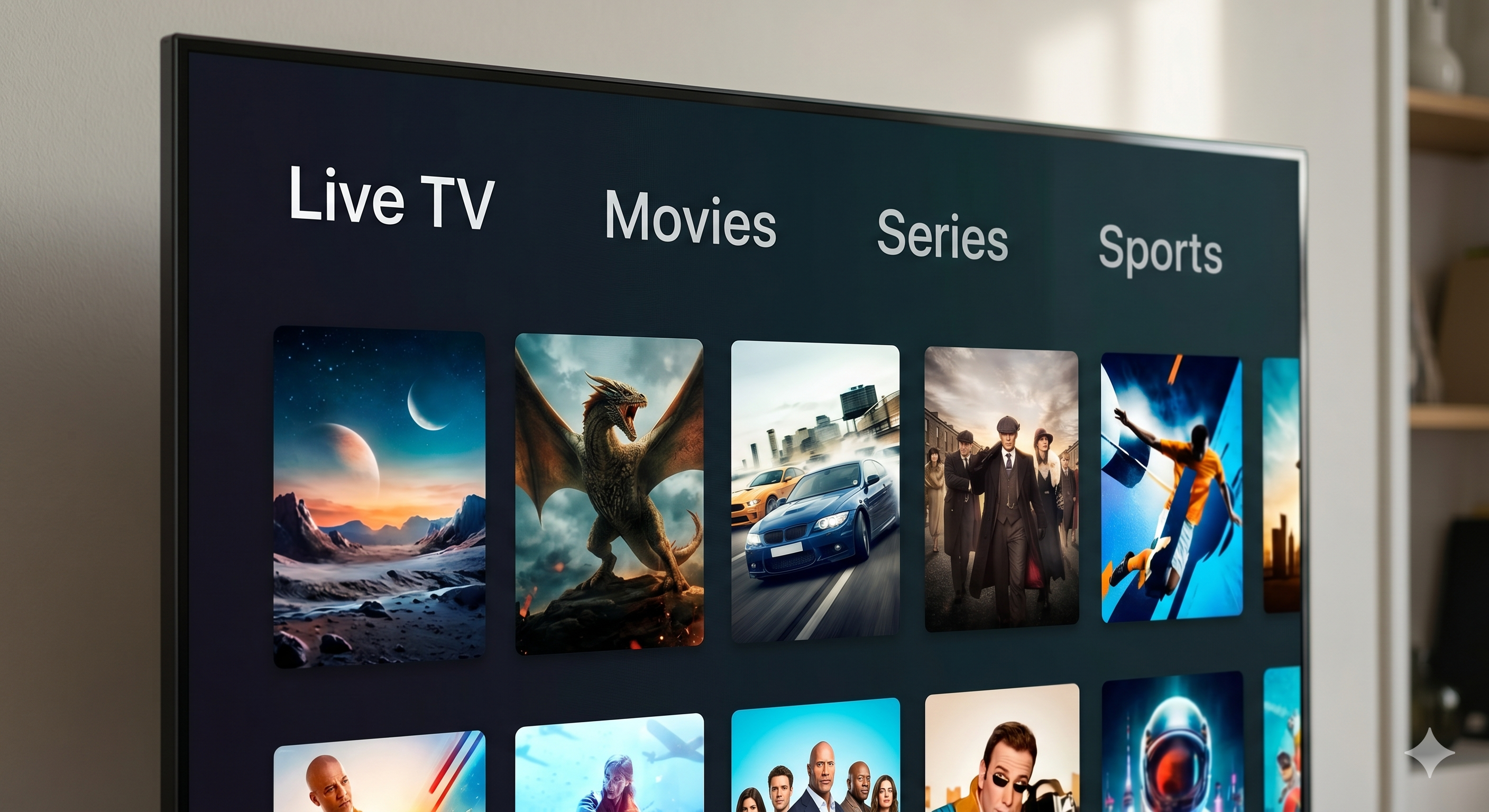
Once logged in, you’ll see four main sections: Live TV, Movies, Series, and Catch Up. For live Canadian channels, go to Live TV → browse by category (Sports, News, Entertainment). IPTVSky includes 1,000+ Canadian and international channels.
Step 4: Set Up the EPG (TV Guide)
The EPG (Electronic Program Guide) loads automatically with your IPTVSky subscription. In IPTV Smarters Pro settings, go to EPG and it should already be populated. If not, contact IPTVSky support to get your EPG URL.
Step 5: Watch Live Sports on Apple TV
For live sports including NHL, NFL, NBA, and Premier League, navigate to Live TV → Sports. All major Canadian sports networks are included: TSN, Sportsnet, RDS, and more.
Troubleshooting: IPTV Not Working on Apple TV?
If your IPTV isn’t loading on Apple TV, try these fixes:
- Check your internet speed — you need at least 10 Mbps for HD streaming
- Restart IPTV Smarters Pro — close and reopen the app
- Re-enter your credentials — sometimes login sessions expire
- Switch to a wired connection — ethernet is more stable than Wi-Fi
- Contact IPTVSky support — they offer 24/7 live chat
Is IPTV Legal on Apple TV in Canada?
Yes — using IPTV on Apple TV is completely legal in Canada as long as your provider is licensed and follows CRTC guidelines. IPTVSky is a legal IPTV service operating within Canadian regulations. The IPTV Smarters Pro app itself is a neutral media player — legality depends on the content source, not the app.
Why IPTVSky Is the Best IPTV for Apple TV in Canada
- ✅ 1,000+ Canadian + international channels
- ✅ 4K HDR streams available
- ✅ Full EPG (TV guide) included
- ✅ VOD library with movies & series
- ✅ Works with IPTV Smarters Pro, TiviMate, and more
- ✅ 24/7 Canadian customer support
- ✅ 7-day free trial available
Ready to get started? Try IPTVSky free for 7 days — no credit card required.