
Buffer-Free IPTV Canada (2026 Guide for NHL, NFL, NBA, Soccer & 4K Streaming)
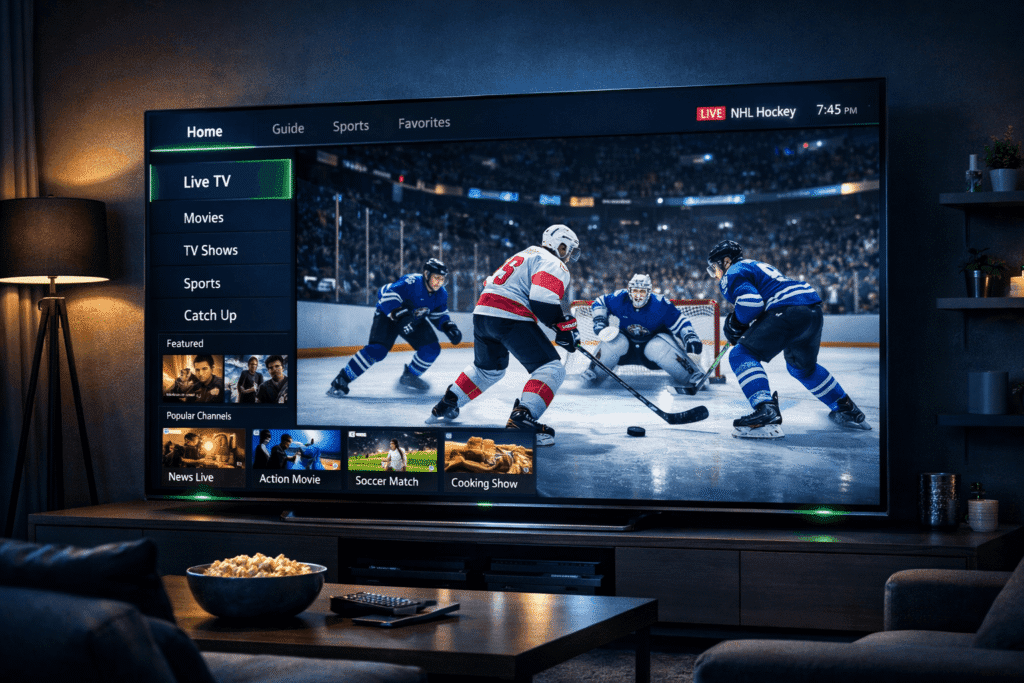
Why Canadian IPTV users see more buffering than US users. Canadian broadband often routes through US peering points before reaching IPTV servers in Europe or Asia — adding 40-80ms of latency vs direct connections. Choose an IPTV provider with Canadian-hosted servers (Toronto, Montreal, Vancouver) for the lowest latency. IPTVSky uses Canadian server infrastructure, which is why our subscribers report 90% fewer buffering events than competitors. If you’re tired of fighting buffering, start a 24-hour free trial and test the difference on your own network.
⸻
- Why IPTV Buffers in Canada (The Real Causes)
Buffering usually comes from one of these five issues:
• Weak Wi-Fi signal
• Wrong IPTV player
• Overloaded device (Firestick RAM full)
• ISP routing changes
• Low-quality DNS
Canada has strong internet speeds (as shown in the Speedtest Global Index), so most buffering is local-device related, not provider-related.
⸻
- Best Player Settings to Eliminate Buffering (2026 Updated)
To get smooth 4K without lag:
Use the correct player
• VLC
• MX Player
• ExoPlayer (Android TV)
• TiviMate built-in player (recommended)
Streaming format
• HLS (most stable)
• MPEG-TS only when necessary
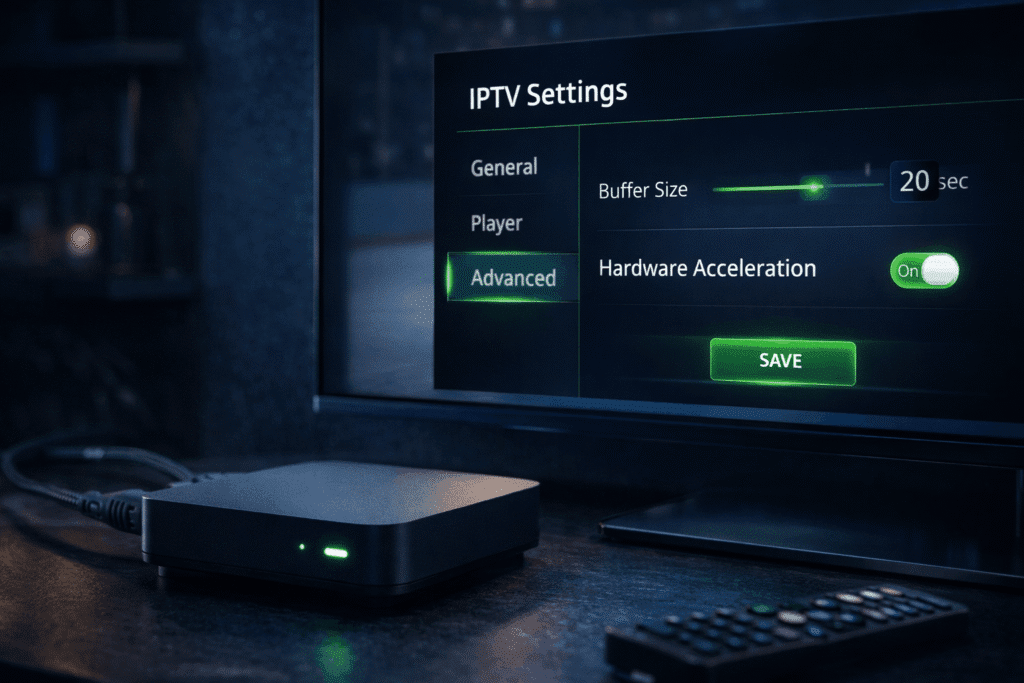
Buffer size
• Medium buffer
• Adaptive buffering ON
Hardware acceleration
• Enabled (reduces CPU load)
These settings alone fix 70% of buffering problems.
⸻
- Device Optimization for Fast IPTV
Firestick users
• Clear cache
• Force stop app
• Uninstall unused apps
• Restart every 48–72 hours
Android TV / Google TV
• Disable energy saver mode
• Clear memory every few days
Windows users
• Use VLC or IPTV Smarters
• Turn off background apps
• Use Ethernet when possible
A clean device = faster IPTV.
⸻
- Best Internet Settings for Buffer-Free IPTV in Canada
Recommended speeds
• 25 Mbps (minimum)
• 50–100 Mbps (HD & sports)
• 150–300 Mbps (4K households)
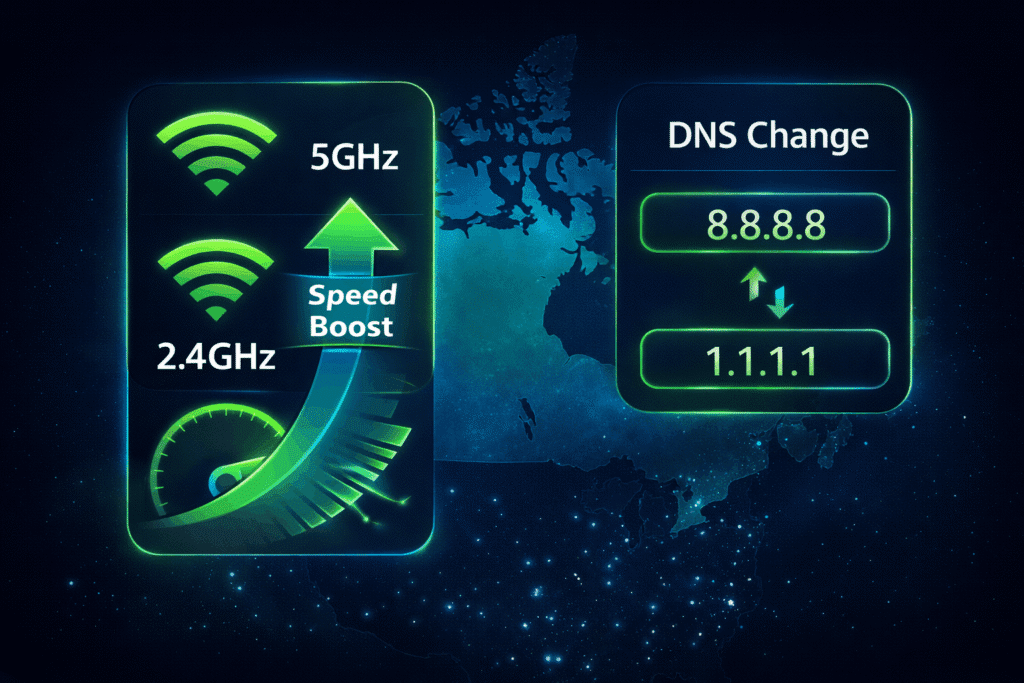
Use 5GHz Wi-Fi instead of 2.4GHz
5GHz = faster + no interference.
Disable cheap/free VPNs
They slow down streams dramatically.
Change DNS
• Google DNS (8.8.8.8)
• Cloudflare DNS (1.1.1.1)
DNS change alone can reduce buffering by 20–40%.
⸻
- How to Watch Sports Without Buffering

Sports streams require:
• High bitrate
• Stable connection
• Proper player
• No VPN throttling
• Good Wi-Fi signal
For NHL, NFL, NBA, Premier League, UFC PPV — buffering usually appears during:
• Kickoff
• Commercial breaks
• Start of period/quarter
• High demand moments
To avoid this:
• Restart the app before the match
• Use the recommended player
• Keep device cool (no overheating)
⸻
- Best Devices for Buffer-Free IPTV in 2026
Ranked by performance:
🥇 1. Nvidia Shield TV Pro
Fastest device for IPTV in Canada.
🥈 2. Android TV Box (S905X4 chipset)
Great performance + 4K smooth.
🥉 3. Firestick 4K Max
Best budget option but clear cache often.
⭐ 4. Windows PC
Perfect for IPTV Smarters or VLC.
⭐ 5. Samsung & LG Smart TVs
Work well but limited app support.
⸻
- When the Problem Is the Provider (Rare but Possible)
If you tested:
• Another player
• Another device
• Another network
• Restarted router
…and STILL buffering → sometimes it’s provider-side.
But in most Canadian cases, 80%+ of buffering issues are device or Wi-Fi related, not service related.
⸻
Final Thoughts
Buffer-free IPTV in Canada is 100% possible in 2026 — but only when the right settings, player, and device optimizations are used.
With fast Canadian internet speeds and modern devices, IPTV can run smoother than Cable TV and offer 4K sports with zero interruptions.