
Best IPTV Devices for Canadians in 2026: Firestick vs. Android TV vs. Smart TVs vs. Roku
Updated: January 2026 | Author: IPTVSky Team
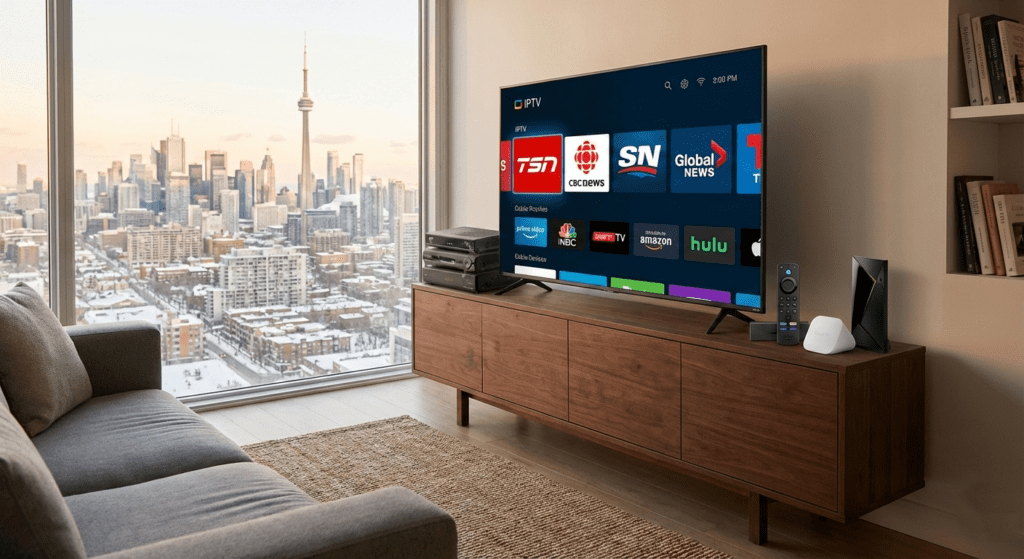
If you live in Canada and you’re still paying $100+ a month for a basic cable package from Bell, Rogers, or Telus, you are part of a shrinking demographic. By 2026, millions of Canadians have already “cut the cord,” switching to flexible, affordable IPTV solutions that offer thousands of channels for a fraction of the price.
But here is the catch: A great IPTV service is only as good as the device you run it on.
We see it every day at IPTVSky.ca. A customer signs up for a free trial with a high-speed fiber connection, but they face buffering or clunky menus simply because they are using an outdated or incompatible device.
In this guide, we break down the best IPTV devices for Canada in 2026, comparing the Amazon Firestick, the new Google TV Streamer, Android boxes, and Smart TVs to help you choose the perfect setup for your home.
What Makes a Device “Good” for IPTV in Canada?
Before you buy, you need to understand why some devices handle live TV better than others. Streaming Netflix is easy—it’s pre-recorded and buffered. Streaming live IPTV requires more processing power and a stable connection.
Here is the checklist for Canadian streamers in 2026:
- Sideloading Capability: Can you easily install IPTV apps (like IPTV Smarters or TiviMate) that aren’t in the official app store?
- Wi-Fi 6 Support: Canadian households often have crowded Wi-Fi networks. Devices with Wi-Fi 6 or 6E resist interference better.
- ISP Throttling Resistance: Some Canadian ISPs (Internet Service Providers) slow down streaming traffic during hockey games or prime time. A device that supports VPNs easily is essential.
- Remote Control Quality: You want a remote with actual buttons, not just a phone app, for that “cable TV” feel.
1. Amazon Firestick (The Canadian Favourite)
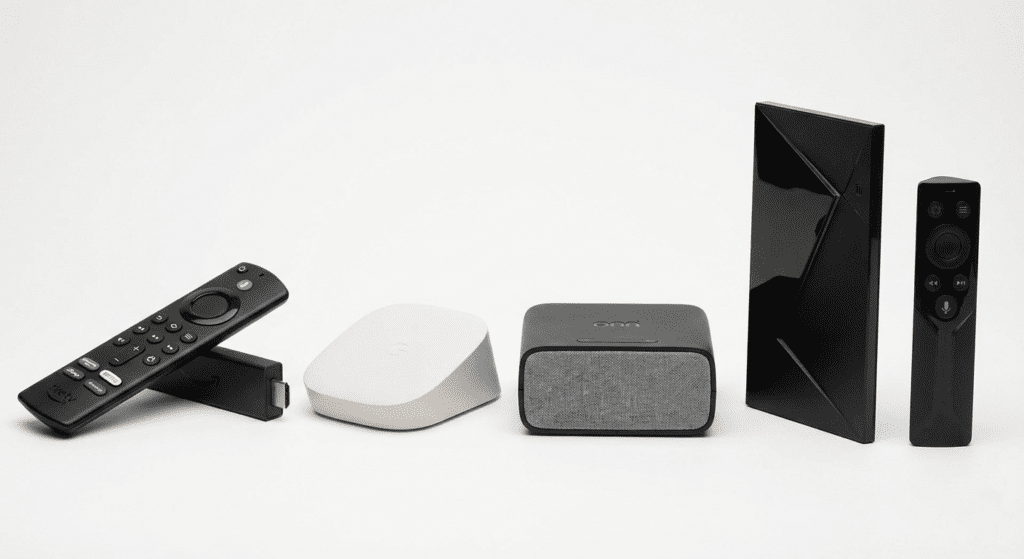
Amazon’s Fire TV line remains the Best choice for IPTV users in Canada for a reason: it is affordable, powerful, and incredibly easy to modify.
The Top Contender: Fire TV Stick 4K Max (2nd Gen / 2026 Model)
In 2026, the Fire TV Stick 4K Max is the gold standard for most users. It features the “Ambient Experience” and, critically, support for Wi-Fi 6E.
- Pros:
- Best Bang for Your Buck: Often on sale for under $70 CAD.
- Sideloading is Easy: Installing “Downloader” to get IPTVSky apps takes 2 minutes.
- Performance: The new processor handles 4K streams and rapid channel zipping without lag.
- Cons:
- Ads: The home screen is increasingly cluttered with Amazon ads.
- Storage: 16GB is standard now, which is good, but power users might still fill it up.
Verdict: The best balance of price and performance for 90% of Canadians.
2. Android TV & Google TV (The Powerhouses)
This category has shifted drastically in the last year. The old “Chromecast” dongles are gone, replaced by more robust hardware.
Option A: Google TV Streamer (4K)
Released to replace the Chromecast, this is a set-top wedge (not a dongle) that sits below your TV.
- Why it’s great: It runs a clean version of Google TV, includes an ethernet port (crucial for stability), and integrates perfectly if you have a Pixel phone or Google Home setup.
- The Downside: It costs approx. $130 CAD, which is pricey compared to a Firestick.
Option B: Walmart Onn 4K Pro
Finally available in Canada, the Onn 4K Pro is the budget king of 2026.
- Why it’s great: It costs roughly $75 CAD, has hands-free voice control, and runs the same smooth Google TV OS as the expensive devices.
- Best For: Canadians who want the clean Google interface without the high price tag.
Option C: NVIDIA Shield TV Pro
Even in 2026, the NVIDIA Shield Pro remains the undefeated heavyweight champion. Its AI upscaling makes 1080p IPTV streams look like 4K on your big screen.
- Best For: Advanced users who want the absolute best picture quality and zero lag, and don’t mind paying $260+ CAD.
3. Smart TVs (Samsung, LG, Sony)
Many customers ask: “Can’t I just use the app on my TV?”
The answer is: It depends on the brand.
Android/Google TVs (Sony, Hisense, TCL)
- Verdict: Excellent. These TVs run Android OS directly. You can download IPTV apps right from the Play Store or sideload them easily. No extra stick required.
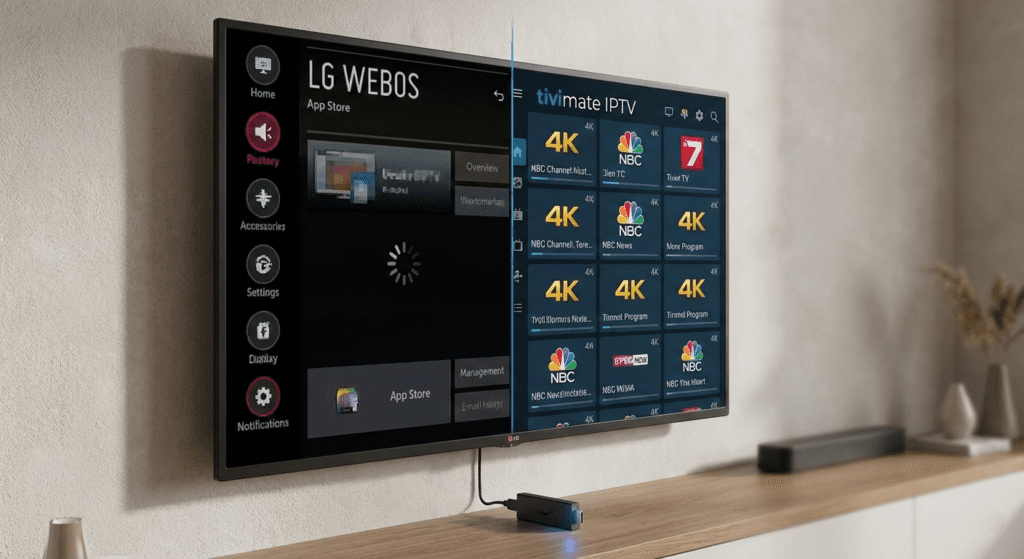
Samsung (Tizen) & LG (WebOS)
- Verdict: Passable, but not recommended.
- These TVs use proprietary operating systems. You can find some IPTV apps (like STBEmu or distinct player apps), but they are often clunky, slow to update, and harder to set up.
- Pro Tip: If you have a Samsung or LG TV, we highly recommend spending $60 on a Firestick to bypass the TV’s built-in software.
4. Roku (The “Avoid” List)
We love Roku for Netflix and Disney+, but for IPTV in Canada, it is a poor choice.
- The Problem: Roku uses a “closed system.” You cannot sideload apps. There is no “Downloader” app.
- The Workaround: You have to use “web video caster” apps from your phone to beam the signal to the Roku. It is clunky, unreliable, and frustrating for daily TV watching.
- Recommendation: If you have a Roku, do yourself a favour and plug a Firestick or Android box into the HDMI port next to it.
Comparison Table: Best IPTV Device Canada 2026
| Feature | Fire TV Stick 4K Max | Walmart Onn 4K Pro | NVIDIA Shield Pro | Roku 4K |
| Price (CAD) | ~$75 – $90 | ~$75 | ~$260+ | ~$50 – $100 |
| OS | Fire OS | Google TV | Android TV | Roku OS |
| Sideloading | ⭐⭐⭐⭐⭐ (Easy) | ⭐⭐⭐⭐⭐ (Easy) | ⭐⭐⭐⭐⭐ (Easy) | ❌ (Impossible) |
| Performance | High | High | Extreme | Medium |
| Wi-Fi | Wi-Fi 6E | Wi-Fi 6 | Wi-Fi 5 | Wi-Fi 5 |
| Best For | IPTVSky Free Trial 👈 | Budget Google Fans | Power Users | Netflix Only |
Best Device Recommendations by User Type
🏆 Best Overall: Amazon Fire TV Stick 4K Max
It just works. It’s fast, supports the best Wi-Fi speeds available in Canada, and setting up IPTV takes minutes.
💰 Best Budget Option: Walmart Onn 4K Pro
If you prefer the Google interface over Amazon’s, this is the best value device in Canada right now.
🚀 Best for Power Users: NVIDIA Shield TV Pro
If you have a large 4K OLED TV and a premium sound system, don’t bottleneck it with a cheap stick. The Shield Pro’s upscaling technology is unmatched for live sports.
FAQ: IPTV Devices in Canada
1. Is IPTV legal in Canada?
Streaming content is generally a grey area, but the technology itself is 100% legal. Owning an Android box or Firestick is completely legal in Canada.
2. Do I need a VPN for IPTV in Canada?
We strongly recommend it. Canadian ISPs like Bell and Rogers are known to throttle (slow down) streaming traffic during major live events. A VPN hides your traffic, ensuring your stream stays smooth.
3. Can I use my old Firestick from 2020?
You can, but you might experience lag. Old devices struggle to process the high-quality HEVC compression used by modern IPTV providers like IPTVSky. If your menu feels slow, it’s time to upgrade.
4. Which device works best with the IPTVSky service?
Our service is optimized for Fire TV and Android TV devices. We provide easy-to-follow setup guides for both, ensuring you get the Electronic Program Guide (EPG) and 4K channels working perfectly.

Conclusion: Ready to Test Your Device?
Choosing the right device is the first step. The second step is finding a provider that delivers buffer-free streams, Canadian channels, and reliable support.
Don’t settle for choppy streams or complicated setups. Grab a Firestick 4K Max or an Android box, and put it to the test.
Want to see what your new device can do?
👉 Click here to start a 24-Hour Free Trial with IPTVSky. No commitment, just premium TV on your terms.