
IPTV Smart TV Canada (2026 Setup Guide for Samsung & LG TVs)
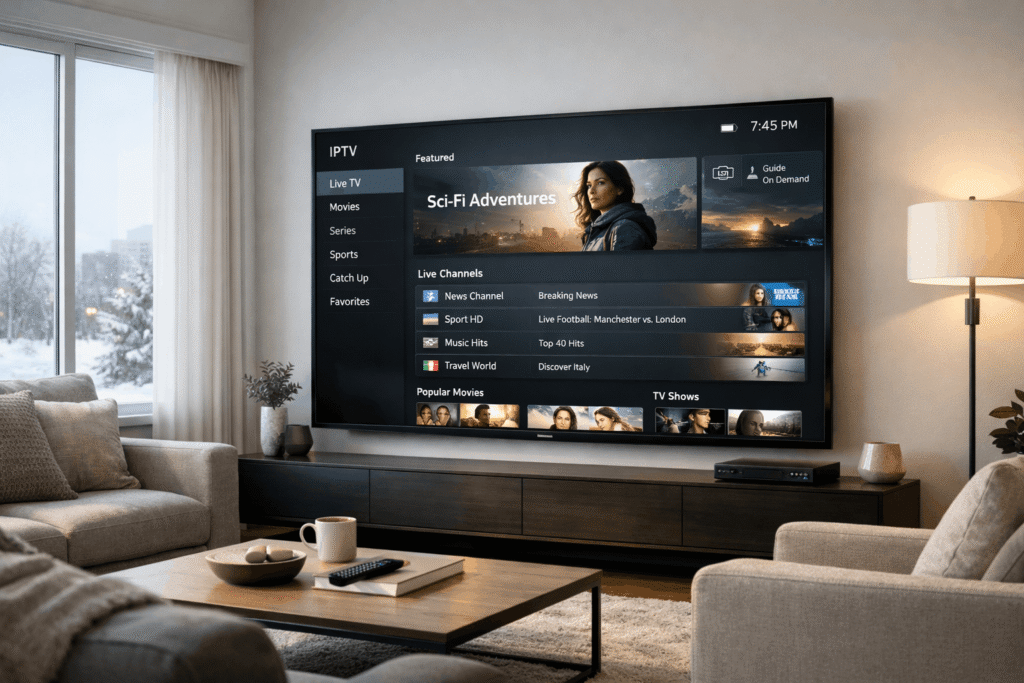
Watching IPTV on a Smart TV is one of the easiest ways to enjoy live channels, sports, and on-demand entertainment in Canada—without cluttering your setup with extra boxes or cables. If you have a Samsung or LG TV, you can get started in minutes, but the difference between a frustrating experience and smooth 4K streaming usually comes down to the app you choose, the way you set it up, and a few performance settings most people overlook.
That is exactly where this guide comes in.
In this complete IPTV Smart TV Canada setup guide, you will learn how to install IPTV on Samsung and LG Smart TVs, which apps work best, whether to use Xtream Codes or M3U, how to reduce buffering, and when a Smart TV is enough on its own—or when a device like Firestick may be the better choice.
For Canadian households that want a clean, simple, family-friendly setup, Smart TV IPTV can be the perfect solution.
Why Smart TVs Are So Popular for IPTV in Canada
Smart TVs have changed how people stream at home. Instead of connecting multiple devices, many Canadians now prefer an all-in-one setup where the television itself handles the apps, playback, and interface.
That makes perfect sense.
A modern Samsung or LG Smart TV already gives you the essentials needed for IPTV:
- Built-in app store
- 4K and HDR support
- Wi-Fi and Ethernet connectivity
- Large screen viewing for sports and movies
- Remote-friendly navigation for the whole family
For a lot of homes, this means no extra device, no messy cables, and no learning curve for other people in the house.
That convenience is the biggest reason IPTV Smart TV Canada searches keep growing. People want something that works directly on the television they already own.
Is IPTV on a Smart TV a Good Option?
Yes—especially if your goal is simplicity.
If you want a clean setup in the living room, a Smart TV is often the most convenient way to watch IPTV. It is ideal for people who do not want to buy an external streaming device and just want to open an app, log in, and start watching.
A Smart TV setup is especially good for:
- Family living rooms
- Casual daily streaming
- News, sports, movies, and general entertainment
- Users who want fewer devices and easier control
That said, Smart TVs also have limitations. Compared to streaming devices like Firestick or Android TV boxes, Smart TVs usually offer fewer app choices, lower customization, and sometimes slightly weaker performance.
Still, for many users in Canada, the trade-off is worth it because the setup is faster and cleaner.
Best IPTV Apps for Samsung and LG Smart TVs
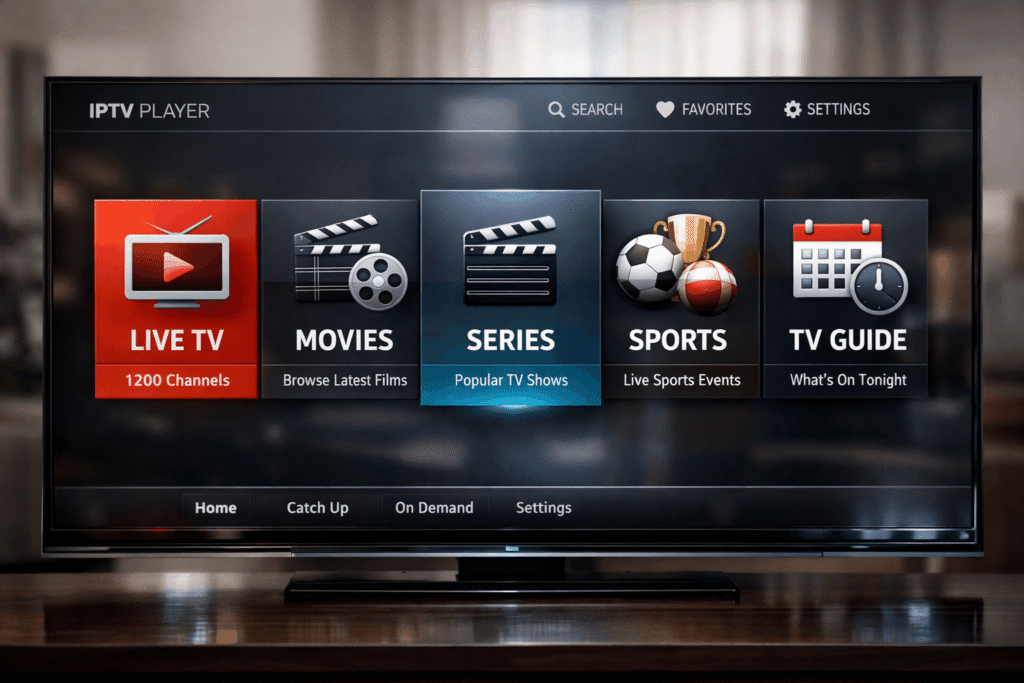
One of the biggest questions users have is which app to install. Not every IPTV player is available on every TV brand, and app availability can vary over time, so it is smart to check your TV’s app store directly.
Here are the most commonly used types of apps for Smart TV IPTV setups.
Best IPTV apps for Samsung Smart TVs
Samsung TVs usually support several popular IPTV players, including:
- Smart IPTV
- IBO Player
- Duplex IPTV
These apps are generally designed to let you either upload an M3U playlist or log in through Xtream Codes, depending on what your provider offers.
Best IPTV apps for LG Smart TVs
LG TVs also support a range of IPTV apps, with some overlap:
- IBO Player
- Smart IPTV
- Net IPTV
In many cases, the experience on LG is straightforward and very beginner-friendly once the correct app is installed.
What makes a good Smart TV IPTV app?
The best Smart TV IPTV apps Canada users should look for usually have:
- Fast channel loading
- Good live TV category organization
- EPG / TV guide support
- Stable login with Xtream Codes
- Clean interface for remote navigation
The app matters more than many people think. A poor IPTV player can make even a strong service feel slow, while a better player can make navigation and playback much smoother.
How to Install IPTV on Smart TV
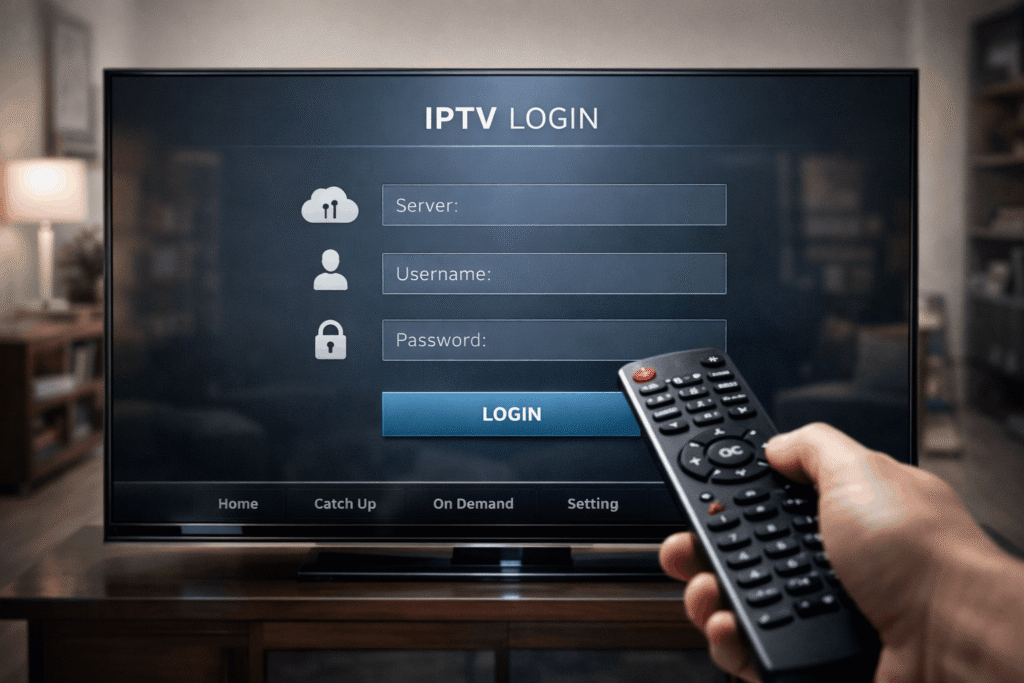
If you are wondering how difficult the setup is, the good news is that it is usually simple.
For most Samsung and LG TVs, IPTV setup Smart TV 2026 only takes a few minutes.
Step-by-step IPTV setup on Samsung or LG TV
1. Open your TV’s app store
On Samsung, go to the app section from the main menu.
On LG, open the LG content store.
2. Search for an IPTV player
Look for the app you want to use, such as IBO Player, IPTVSmarters, Smart IPTV, Duplex IPTV, depending on what is available for your TV.
3. Install the app
Download and open it. Most apps will show either:
- a device ID / MAC address for activation
- a login screen for Xtream Codes
- instructions to upload a playlist
4. Enter your IPTV details
You will typically use one of these methods:
- Xtream Codes login
- M3U playlist URL
- Sometimes EPG URL separately if needed
5. Restart or refresh the app
Once your playlist or credentials are entered, restart the app if required. In many cases, channels and categories will load automatically.
6. Test live TV, movies, and the guide
Open several categories and test playback before settling in. Make sure live channels open quickly and the EPG displays correctly.
For most people, that is it. The entire process often takes less than five minutes when the login details are correct.
Xtream Codes vs M3U: Which One Is Better for Smart TVs?
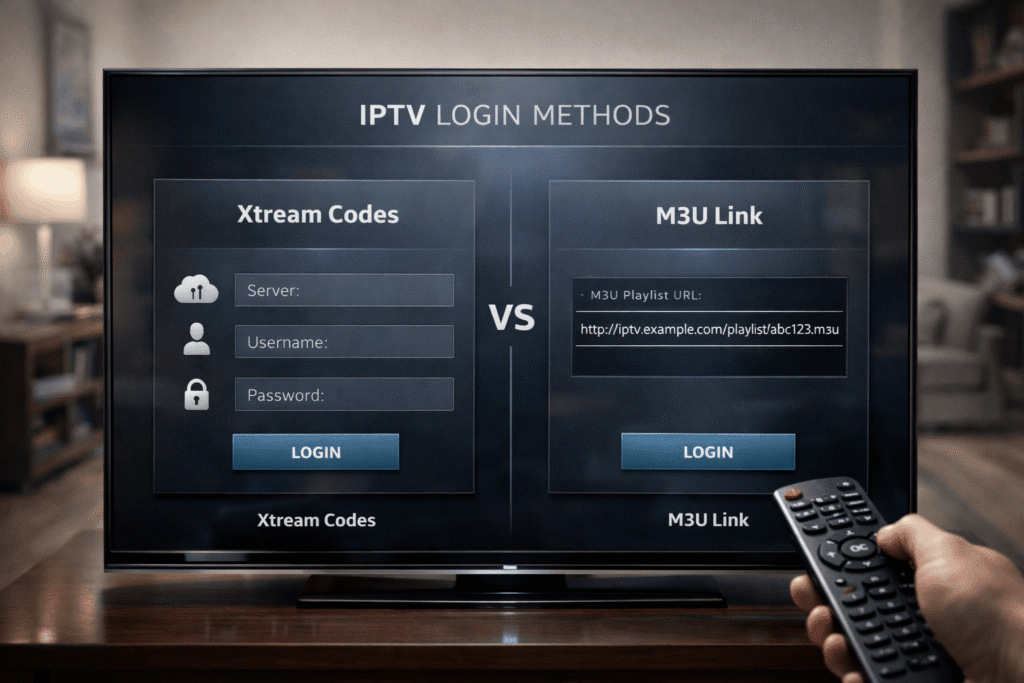
This is one of the most important choices in any IPTV Smart TV Canada setup.
There are two common ways to connect IPTV to an app:
Xtream Codes
This is usually the better option for Smart TVs.
Why it is recommended:
- Faster and easier login
- Better organization of live TV, movies, and series
- EPG often loads automatically
- More stable for many Smart TV apps
- Cleaner experience for non-technical users
M3U Playlist
This still works, but it is usually more manual.
Common downsides:
- Can take longer to load
- Sometimes requires separate EPG setup
- Less user-friendly in some apps
- May feel slower on certain Smart TVs
Best choice for Smart TV users
For IPTV Samsung TV Canada users and IPTV LG Smart TV setup users alike, Xtream Codes is usually the recommended option. It is simpler, faster, and better suited to Smart TV apps.
If your provider gives both, start with Xtream Codes first.
Best Settings for Smooth IPTV Streaming on Smart TV
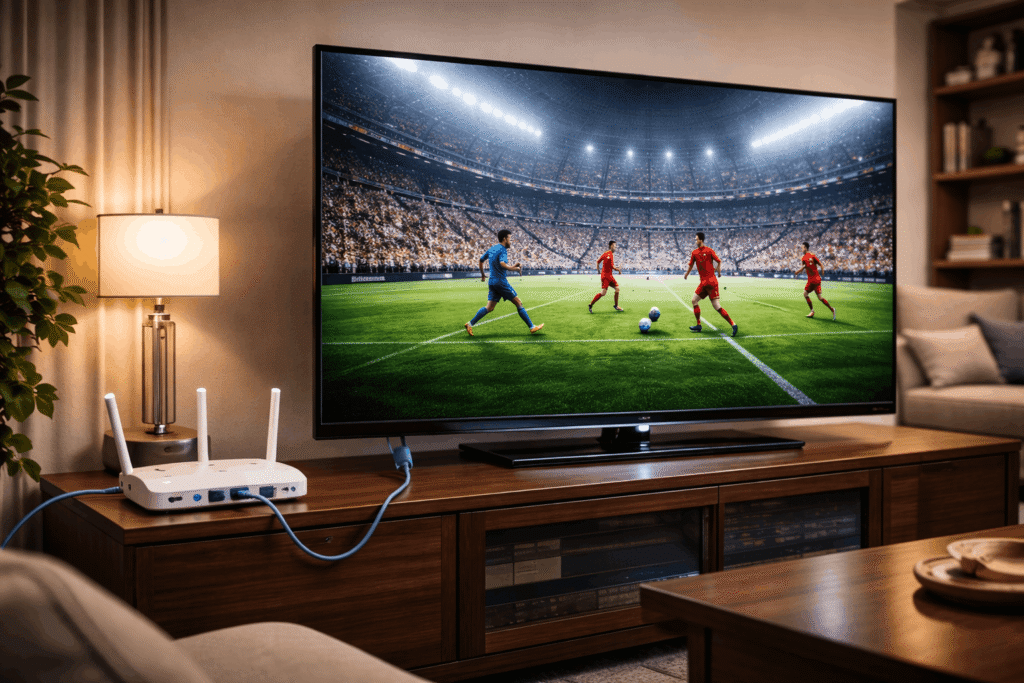
A lot of IPTV issues are not caused by the service itself. They come from weak home setup choices—especially Wi-Fi problems, outdated apps, or overloaded TV storage.
Here are the best ways to improve performance.
Use Ethernet if possible
A wired connection is still the best option for stability. If your TV is close enough to your router, Ethernet can significantly reduce interruptions.
Use 5GHz Wi-Fi instead of 2.4GHz
If Ethernet is not practical, connect your TV to 5GHz Wi-Fi for faster speeds and lower interference.
Restart your TV regularly
This sounds simple, but it helps. A restart clears temporary memory and can improve app responsiveness.
Keep the IPTV app updated
Outdated apps often cause bugs, crashes, or compatibility issues.
Free up storage
Some Smart TVs slow down when storage is nearly full. Remove unused apps and keep the system light.
Reboot your router when needed
If buffering suddenly appears, the issue may be your network rather than the IPTV app.
Avoid background downloads on your home network
Heavy usage from other devices can reduce streaming stability during peak hours.
If you want the smoothest experience possible, treat IPTV like any other real-time streaming setup: good app, good connection, updated system.
Common IPTV Problems on Smart TVs and How to Fix Them
Even a simple setup can run into issues. Here are the most common ones and what to do.
Channels are not loading
This usually points to login, playlist, or internet issues.
Try this:
- Restart the app
- Re-enter your Xtream or M3U details carefully
- Test your internet connection
- Check whether the app itself needs refreshing
IPTV keeps buffering
Buffering is often caused by connection quality, app performance, or home network congestion.
Try this:
- Switch from Wi-Fi to Ethernet
- Move from 2.4GHz to 5GHz Wi-Fi
- Restart the router
- Close other bandwidth-heavy activity
- Test another IPTV player if available
The app crashes or does not open
Sometimes the app itself is the problem.
Try this:
- Update the app
- Reinstall it
- Restart the TV
- Test a different supported IPTV player
The TV guide is missing or incomplete
This is often linked to EPG configuration or the way the playlist was added.
Try this:
- Use Xtream Codes instead of M3U
- Refresh the app data
- Re-enter the EPG URL if the app requires it
- Wait a few minutes after setup for guide data to load
Playback feels slow when browsing
Smart TVs are convenient, but they are not always the fastest devices.
Try this:
- Remove unused apps
- Restart the TV
- Switch to a lighter IPTV player
- Consider Firestick if you want faster navigation and better app support
Smart TV vs Firestick: Which Is Better for IPTV?
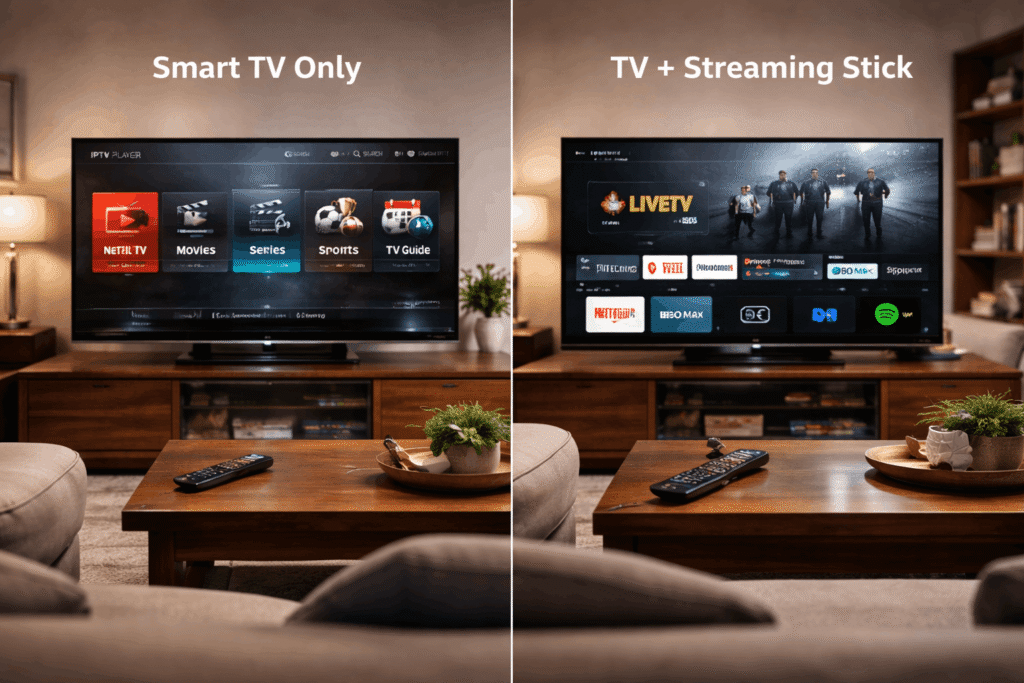
A Smart TV is great for convenience. A Firestick is usually better for performance and flexibility.
Here is the practical comparison.
Smart TV
Best for:
- Minimal setup
- Fewer devices
- Family-friendly use
- Quick access directly from the TV
Pros:
- No extra hardware needed
- Clean living room setup
- Easy for everyday use
Cons:
- Limited app support
- Lower customization
- Sometimes slower navigation
Firestick
Best for:
- Better app availability
- Faster overall performance
- More advanced IPTV users
- Greater flexibility
Pros:
- Broader IPTV app support
- Smoother interface on many setups
- Better customization options
Cons:
- Requires extra device
- Slightly less clean setup visually
Final verdict
If your top priority is simplicity, Smart TV wins.
If your top priority is performance, Firestick usually wins.
Many Canadian users start with Smart TV IPTV and only switch to Firestick later if they want more speed or more app choices.
Why Canadians Prefer IPTV on Smart TVs
There is a reason this setup is so popular.
For many households, Smart TVs offer the easiest path to IPTV because they combine convenience, screen quality, and simple navigation in one place.
Here is why Smart IPTV Canada remains appealing:
- No extra device required
- Cleaner entertainment setup
- Simple for families and guests
- Great for sports nights and movie watching
- Easy to control with one remote
- Works well for everyday viewing
For users who want a hassle-free setup in the living room, it is hard to beat.
Final Thoughts: The Best Way to Use IPTV on Smart TV in Canada
If you want a simple, modern streaming setup, using IPTV on a Samsung or LG Smart TV is one of the easiest choices you can make in 2026.
The key is doing the basics right:
- Choose a good IPTV app
- Use Xtream Codes when possible
- Optimize your internet connection
- Keep the app and TV updated
- Test everything before committing long term
That combination makes a major difference.
For many homes, IPTV Smart TV Canada is the perfect balance between convenience and entertainment quality. You get live TV, movies, sports, and a clean setup directly on your television without needing extra hardware.
And if you want the best experience possible, always choose a reliable provider, test the service first, and make sure the app you are using is well suited to your TV.
Looking for a smoother Smart TV IPTV experience in Canada? Start with a free trial, test the app on your Samsung or LG TV, and compare performance before choosing a long-term plan.