
IPTV for Windows Canada (2026 Setup Guide + Best Apps)
The CRTC highlights how Canadians increasingly rely on internet-based streaming for daily entertainment.
Watching IPTV on Windows has become extremely popular in Canada, especially for users who want smoother streams, fast navigation, and access to full channel lists on a laptop or desktop. Windows offers better performance than Smart TVs and Firesticks, making it the ideal platform for IPTV apps.
This 2026 guide shows exactly how to install IPTV on Windows, the best apps to use, how to fix common issues, and how to get the highest streaming quality for Canadian internet.
Whether you’re using Windows 10 or Windows 11, the setup takes less than 3 minutes.
1. Best IPTV Apps for Windows in Canada (2026 Edition)
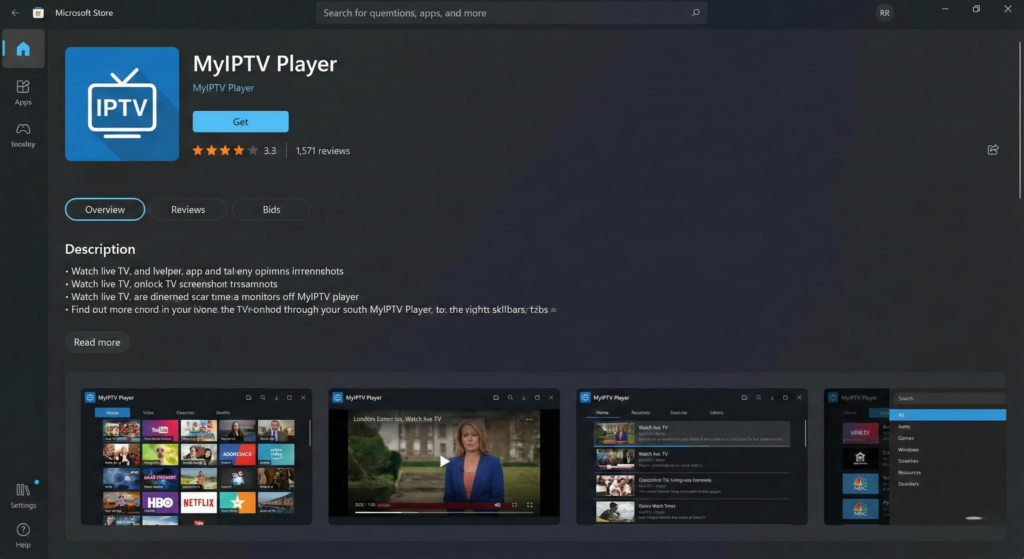
Here are the top-performing apps for Canadians based on speed, stability, and streaming quality:
✔ MyIPTV Player (Microsoft Store)
Simple, stable, and perfect for beginners.
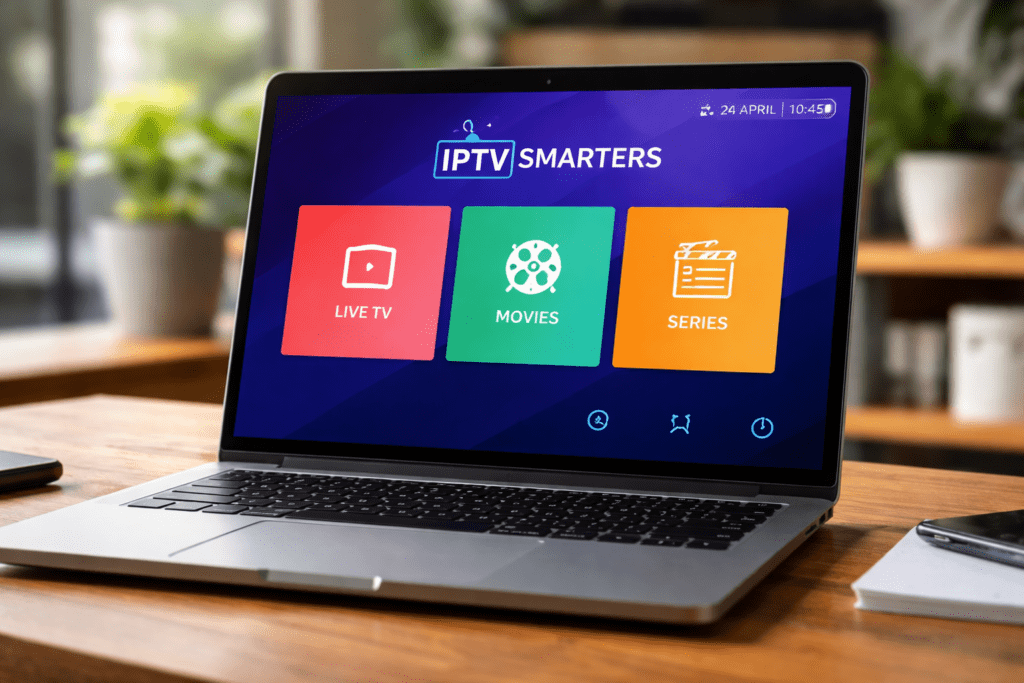
✔ IPTV Smarters Pro (Windows version)
Easy to use and supports M3U, Xtream Codes, VOD, and series.
✔ TiviMate for Windows (via emulator)
Fastest experience if you want full TV-like navigation.
✔ Kodi (with IPTV plugins)
Good for advanced customization.
✔ VLC Media Player
Fast, lightweight, perfect for testing links.
These options offer the best performance for Canadian users.
2. How to Install IPTV on Windows (Step-by-Step)
Option 1 — MyIPTV Player (Fastest Setup)
- Open the Microsoft Store
- Search for MyIPTV Player
- Click Install
- Open the app
- Go to Settings
- Click Add New Playlist
- Paste your M3U URL
- Save and reload
Your channels will appear instantly.
Option 2 — IPTV Smarters Pro for Windows
- Download IPTV Smarters from the official website
- Install the program
- Launch the app
- Choose Login with Xtream Codes
- Enter:
- Username
- Password
- Portal/URL
- Click Login
Smarters will load Live TV, Movies, Series, and EPG automatically.
Option 3 — TiviMate on Windows (For power users)
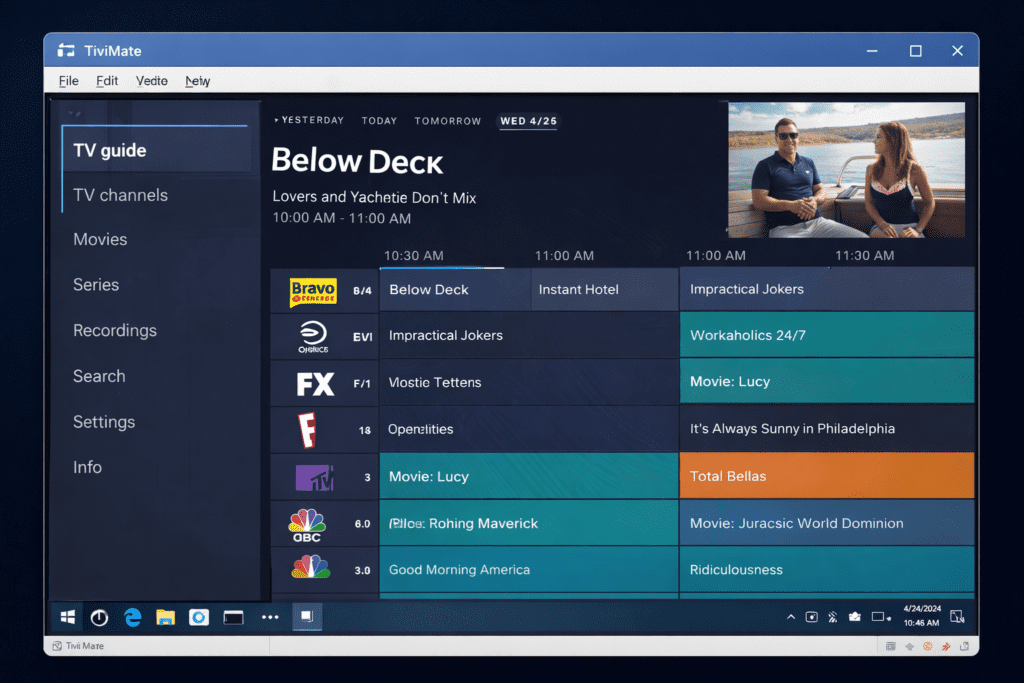
TiviMate doesn’t have a native Windows version, but Canadians can run it using an Android emulator:
- Install BlueStacks or LDPlayer
- Open Google Play Store inside emulator
- Search TiviMate
- Install
- Enter your playlist
- Enjoy the fastest IPTV experience
TiviMate is perfect for users who want the cleanest layout and fast performance.
3. Best Player Settings for Windows IPTV
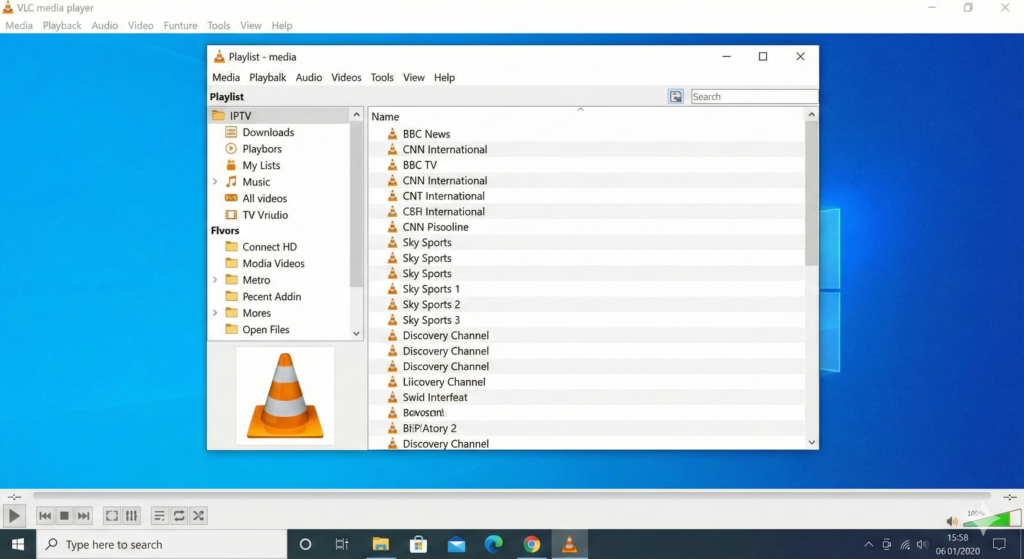
For smooth sports, PPV, and 4K content, use these settings:
- Player: VLC or ExoPlayer (if supported)
- Buffer Size: Medium
- Hardware Acceleration: On
- Stream Format: HLS
- DNS: Google (8.8.8.8) or Cloudflare (1.1.1.1)
These settings improve stability across Canadian ISPs.
4. Fix IPTV Buffering on Windows
If IPTV freezes or buffers on Windows, here’s what to do:
- Switch from Wi-Fi → Ethernet
- Close background apps
- Clear IPTV app cache
- Disable VPN (if slow)
- Try another player (VLC / MX)
- Restart the IPTV app
- Refresh the playlist
- Restart router (10 seconds)
Most buffering problems disappear once the player and DNS are changed.
5. Windows Requirements for Smooth IPTV Streaming
To avoid lag or freezing, your device should have:
- CPU: i3 or better
- RAM: 4 GB or more
- Internet: 20–50 Mbps
- GPU: Any modern integrated GPU
- Browser: Chrome, Edge, or Brave
According to Speedtest Global Index data, average Canadian speeds easily support HD & 4K IPTV streaming on Windows.
6. Why Use IPTV on Windows Instead of Firestick/Smart TV?
CBC reports that more Canadians are switching from traditional cable to streaming platforms each year.
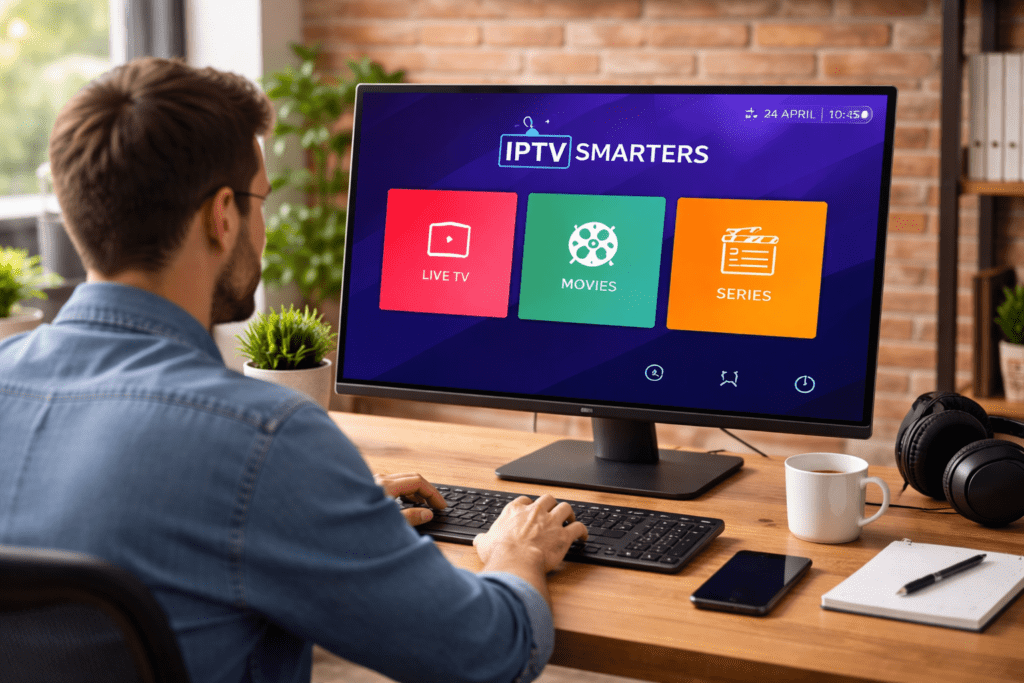
Windows gives Canadians:
- Faster navigation
- Stronger Wi-Fi/Ethernet performance
- Larger screen support
- Stable 4K playback
- Better multitasking
- Better servers handling
For people watching IPTV while working or traveling, Windows is the perfect solution.
7. Best IPTV Experience for Canadians in 2026
To get the best results:
- Use IPTV Smarters or MyIPTV Player
- Use Ethernet or strong Wi-Fi 5GHz
- Avoid free VPNs
- Keep Windows updated
- Use a trusted Canadian-optimized IPTV provider
A good setup makes Windows the most powerful IPTV device you own.
According to Speedtest Global Index data, Canada’s average internet speeds support stable HD and 4K IPTV playback on Windows devices.
Final Thoughts
IPTV on Windows offers the best combination of speed, stability, and flexibility for Canadians. Installation is simple, the apps are powerful, and performance is excellent — especially for HD and 4K sports. With the right app and settings, Windows becomes the ultimate IPTV platform for 2026.
Always choose a provider optimized for Canada, with strong servers, fast support, and reliable 4K sports streams with a free trial to ensure the best performance on your device.